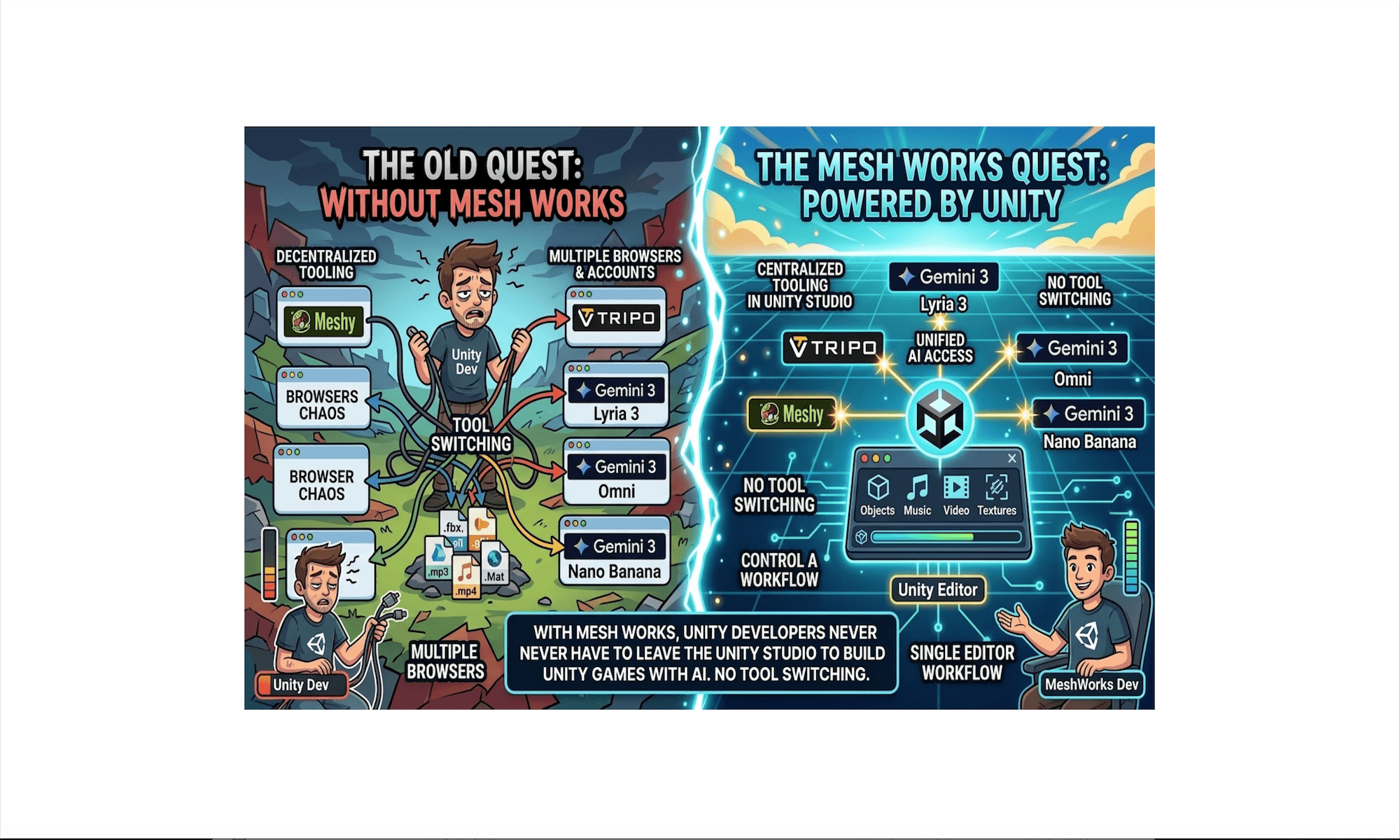
Five Reasons to Use Mesh Works.
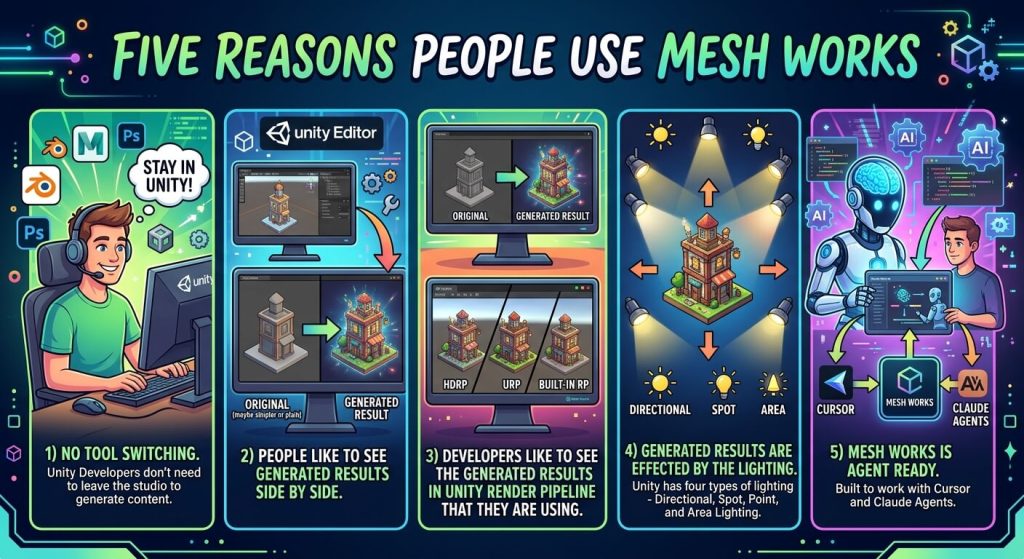
Human-Machine Dynamic has Changed.
The human-machine dynamic has fundamentally shifted. Not long ago, productivity meant relying on modest local computing power—a laptop equipped with standard office software and personal determination was all it took to generate useful insights. Today, that baseline has been replaced by hyperscale data center compute. By leveraging intelligent agents and sophisticated prompting, you can now analyze data, automate workflows, and build complex solutions in a matter of seconds.
Key Shifts in the Human-Machine Relationship
- Compute Power: Transitioned from localized laptop processors to scalable, cloud-based data centers.
- Core Toolset: Evolved from static desktop productivity suites to dynamic AI agents and prompt engineering.
- Production Speed: Moved from hours of manual drafting to near-instantaneous output.
Game Building is Changing Too.
The traditional game development workflow is evolving as manual asset creation gives way to procedural generation. HMDSoft transforms 2D visual intent into game-ready 3D assets through an automated pipeline using Meshy AI, Tripo AI and Gemini AI:
- Single-Image & Text-to-3D Mesh: Generates ready-to-use 3D assets directly from reference art, sketches, or text prompts.
- Automated Topology & UV Unwrapping: Re-topologizes models into optimized quad meshes with clean UV maps built for real-time rendering.
- Auto-Rigging & PBR Materials: Automatically generates skeletal rigs for characters and creates complete material maps (Albedo, Normal, Roughness).
- Engine Integration: HMDSoft.com seamlessly integrates GLTF or FBX files directly into Unity projects for immediate production use.
Email: info@hmdsoft.com for more information.
Our Product Mesh Works operates in Two Modes (In-Editor and In-Game).
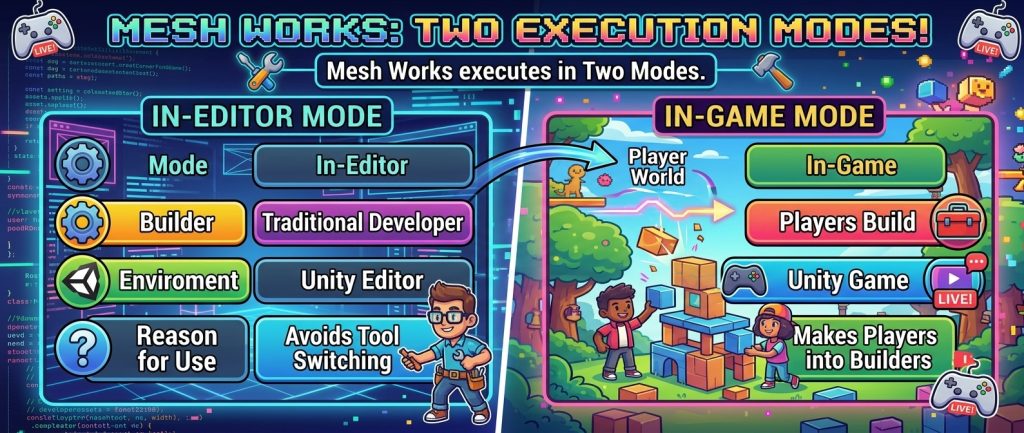
Mesh Works In-Editor executes in the Unity Editor and looks like this.
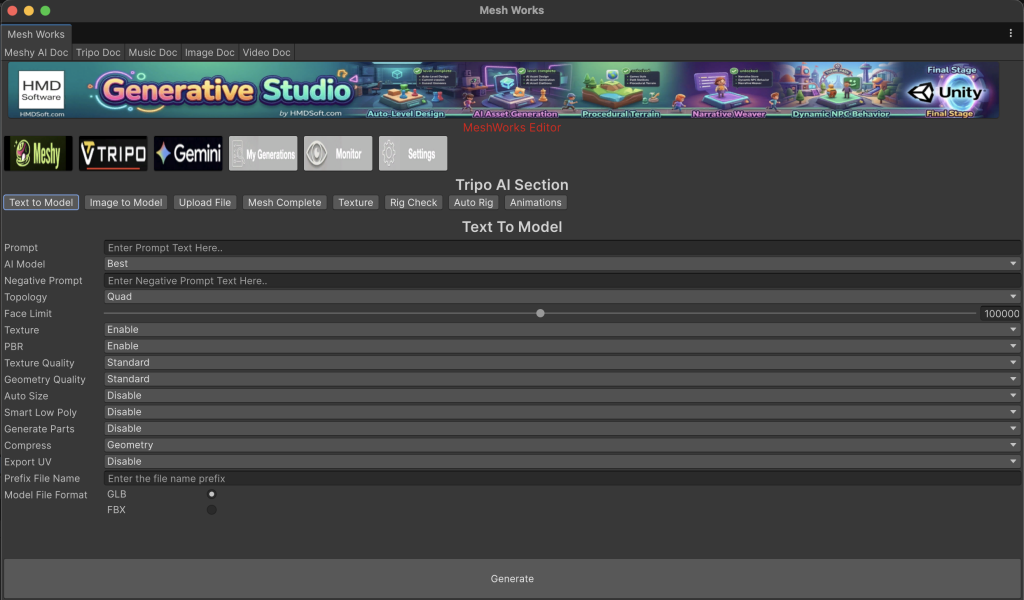
This is a Tripo Text to 3D Model generation example for In-Editor mode. We support the full range of Generators from Meshy AI, Tripo Ai and Gemini AI. The In-Editor mode is built using Unity’s new UI Toolkit.
Mesh Works In-Game executes in a Unity Game and looks like this.
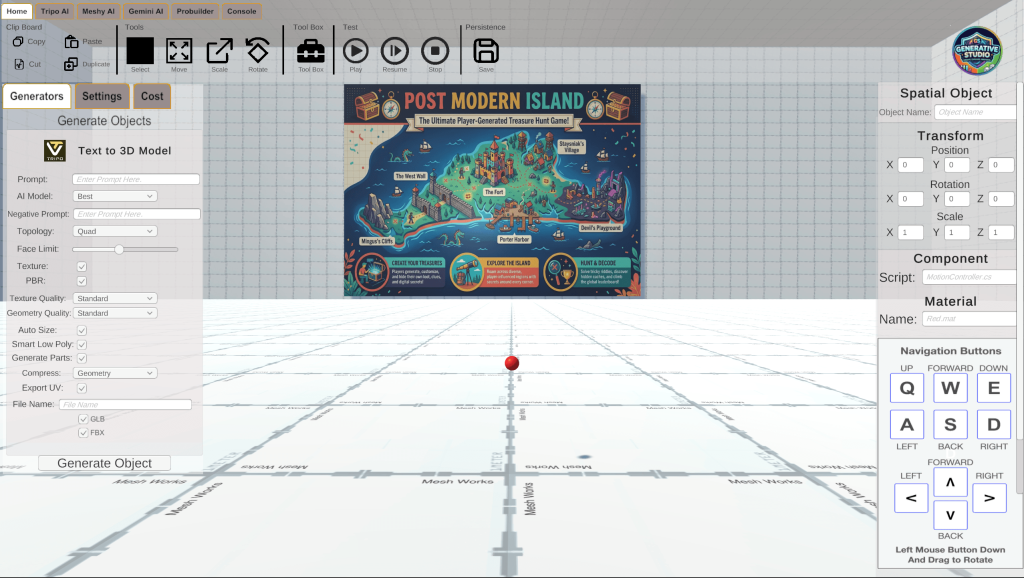
This is a Tripo Text to 3D Model generation example for In-Game mode. We support the full range of Generators from Meshy AI, Tripo Ai and Gemini AI. The In-Game mode is built using Unity uGUI (Unity’s Traditional Game UI Toolkit).
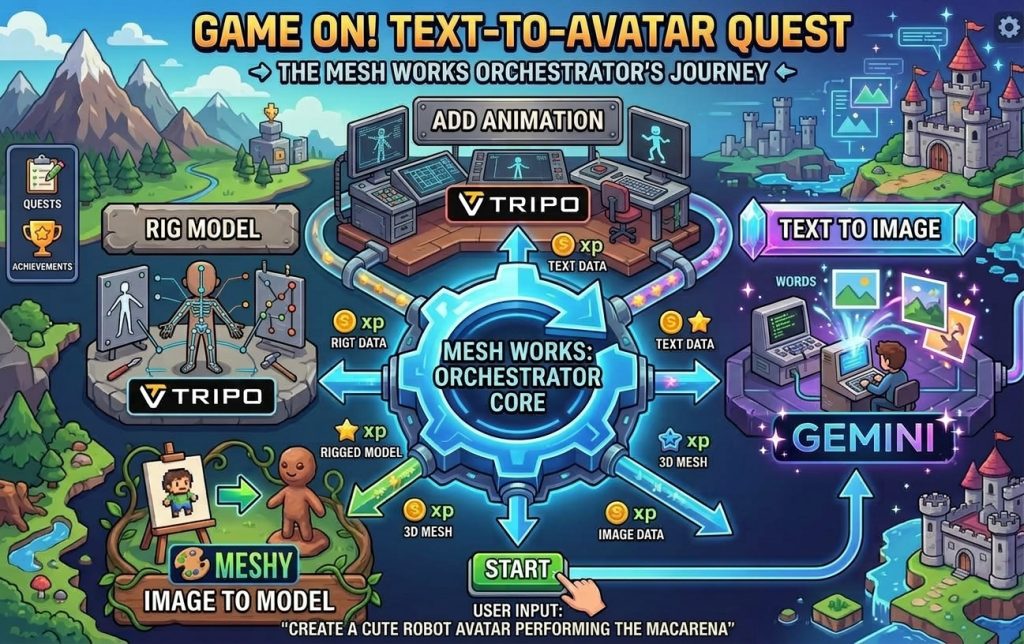
Mesh Works Orchestrates building an Animated Avatar from Text using a Multi-Step Process across multiple AI Generators.
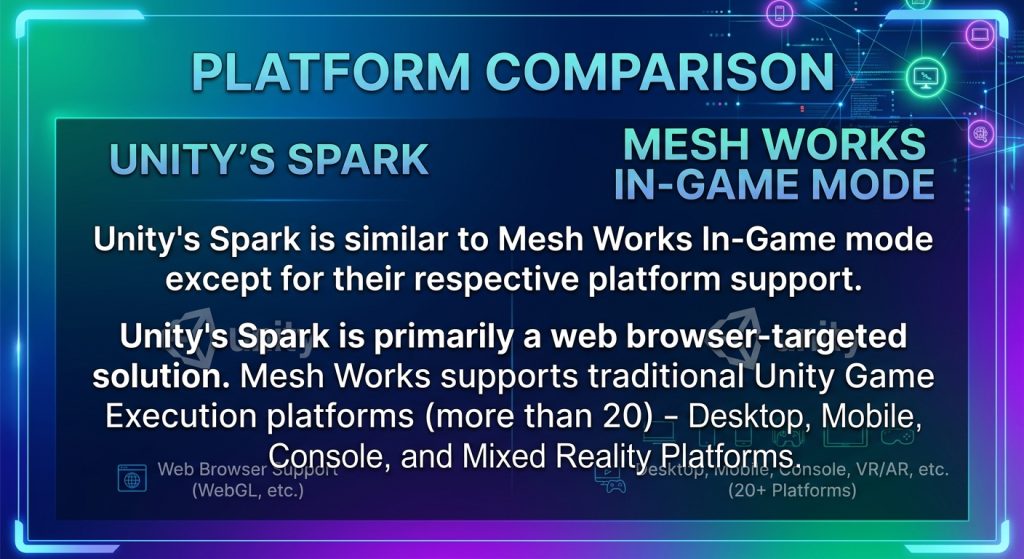
Isn’t this like what Unity’s Spark does?
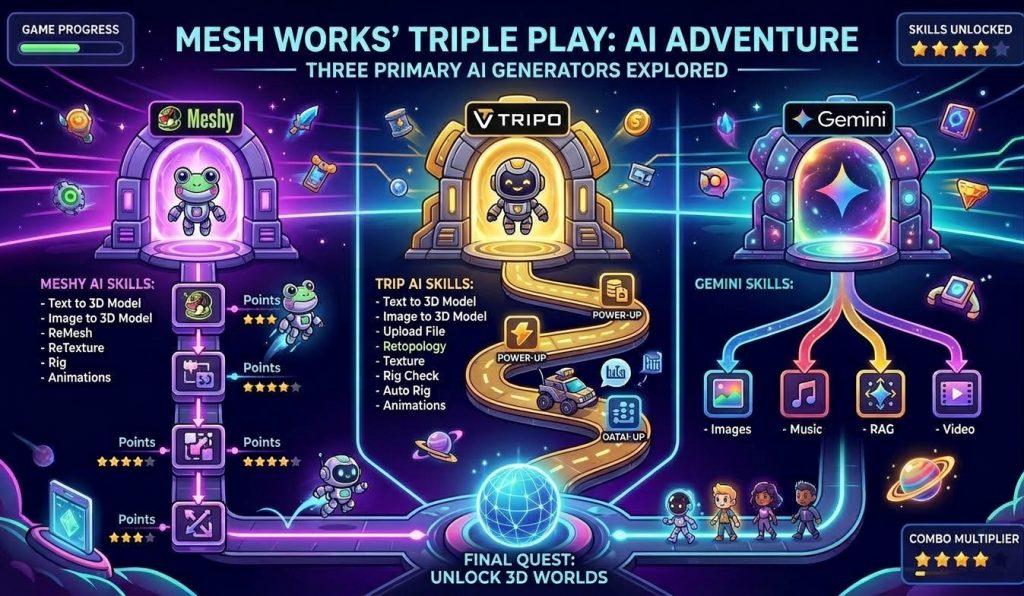
Summary of AI Generators and Associated Skills.
Email: info@hmdsoft.com for more information.